
Model, runtime and application: the three layers
The model file, the engine that runs it, the product around it — and what a symptom means.
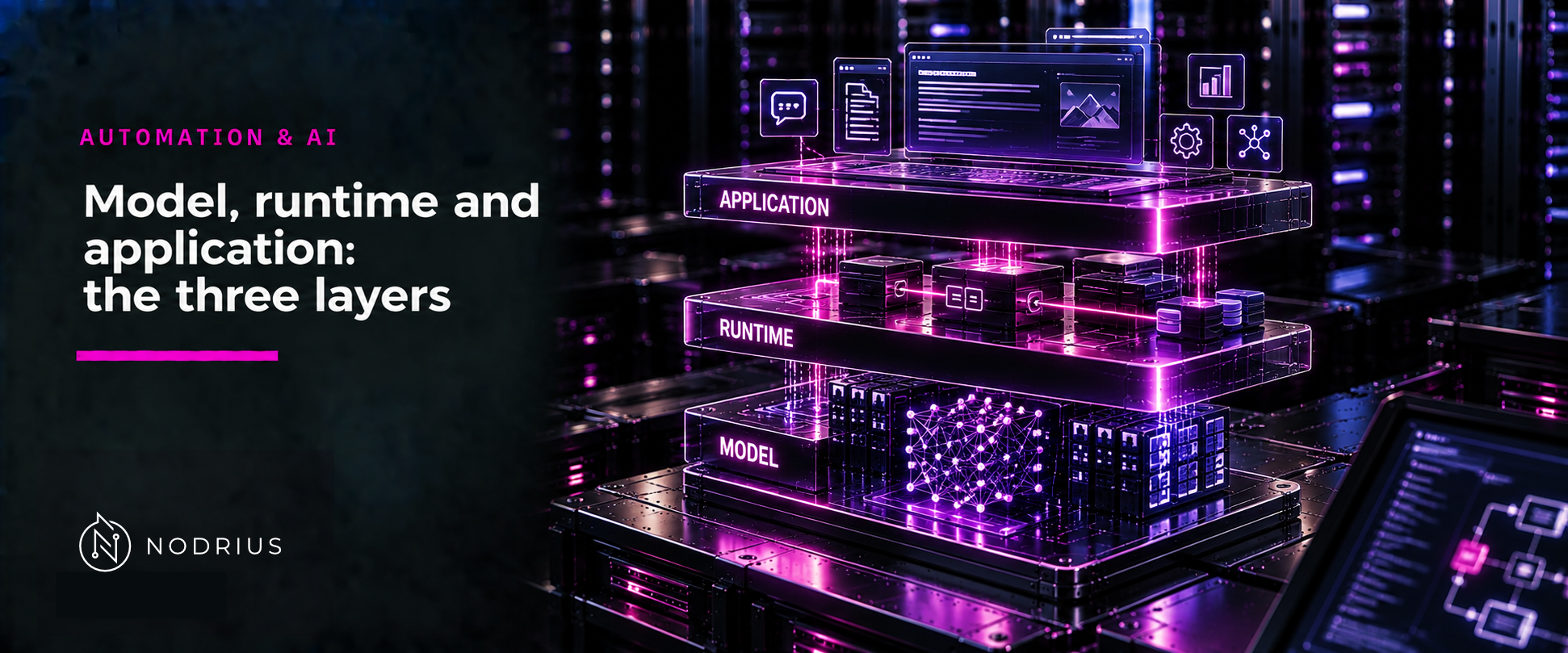
A language model is not a program you run, and it is not the product you chat with. Between the numbers learned in training and the answer that reaches a user sit several distinguishable layers: the model — its weights and architecture, carried by a file; the runtime — the inference engine that loads that file and executes it; and the application — the product or API that wraps the engine and exposes it to a client. The same weights can be served by different engines, on different hardware, behind different products, and the experience is not automatically the same. That is why separating the layers matters: a slow answer, a wrong answer and a missing feature are problems in different layers.
The three layers: what talks to what, in which direction
   +--------------+     +-------------------+     +-------------------+     +--------+
   |    MODEL     |     |     RUNTIME       |     |   APPLICATION     |     | CLIENT |
   | weights and  | --> | inference engine  | --> | product / API     | --> | chat,  |
   | architecture |     | loads and runs    |     | wraps and exposes |     | app,   |
   | stored in a  |     | the model file    |     | the engine        |     | script |
   | model file   |     |                   |     |                   |     |        |
   +--------------+     +-------------------+     +-------------------+     +--------+
         ^                       ^                         ^
   file format,           hardware, memory,          packaging, UI,
   quantization,          scheduling,                auth, defaults,
   metadata               decoding                   limits
Each arrow is a boundary between layers, and each boundary is where a different kind of problem can enter. The client at the right sees only the application’s interface, never the layers beneath it.
Terminology the reader needs
- Model — what was learned. The weights are the numeric parameters produced by training; the architecture is the structure that gives those numbers meaning. The model is not a program: it is data interpreted by an engine.
- Model file — the artifact that carries a model. GGUF is one such format: a binary format designed for “fast loading and saving of models”, used “for storing models for inference with GGML and executors based on GGML”, with the model’s metadata inside it.
- Runtime / inference engine — the software that loads a model file and executes it.
llama.cppdescribes itself as “LLM inference in C/C++”; vLLM as “a fast and easy-to-use library for LLM inference and serving”. - Application / API — the product layer: a chat program or a service endpoint that decides the user experience, holds the defaults and limits, and is what a client actually calls.
- Quantization — storing the model’s numbers at lower precision to reduce memory and speed inference. A quantized file is a different artifact, and some engines also offer quantization as a serving-time feature; its accuracy trade-off is a separate subject (L2).
The mechanism, step by step, in the correct direction
- A model is trained; its learned weights and its architecture are the model.
- The model is written into a file format an engine can read. GGUF was designed for single-file deployment, so the model “can be easily distributed and loaded, and do not require any external files for additional information”, and it carries its metadata in a key-value structure in the same file.
- A runtime loads that file and executes it. Its job is to place and manage the weights in memory and
to run the computation — on the CPU, on a GPU, or split between them;
llama.cpp, for example, supports CPU+GPU hybrid inference so a model larger than the GPU’s memory can still be partly accelerated. - An application wraps the runtime and exposes it. Ollama packages models so a user can “run and chat” with one, and offers “a REST API for running and managing models” — a case that spans both layers, which is why it illustrates the boundary rather than sitting cleanly on one side of it.
- The client — a person, an app or a script — interacts only with the application layer.
The same model, a different experience
Different runtimes are built for different goals, which is why the same model file does not imply the same
behaviour. llama.cpp aims at “minimal setup and state-of-the-art performance on a wide range of hardware
— locally and in the cloud”. vLLM aims at serving: it advertises “State-of-the-art serving throughput”,
“efficient management of attention key and value memory with PagedAttention”, and “high-throughput serving
with various decoding algorithms”. Those are different jobs, and the layer a symptom belongs to follows
from them.
| Layer | What lives here | A symptom here usually means |
|---|---|---|
| Model (weights + file) | what was learned; the format; quantization | a wrong or missing capability: a different model, or a different quantization, was loaded |
| Runtime (engine) | loading, memory, hardware placement, scheduling | slow answers, high memory use, out-of-memory, poor behaviour under many requests |
| Application (product / API) | packaging, defaults, prompts, authentication, limits | a missing feature, an unexpected default, a request rejected or cut short |
Limits, and the common conceptual error
The common error is to collapse the layers into one word — “the model” — and then attribute every symptom to it. A slow answer is not a defect of the weights: it is the runtime and the hardware it runs on. A missing feature is not a gap in the weights: it is the application around them. A wrong answer is where the model itself may genuinely be the cause, and that is a different investigation.
Two cautions follow. First, a quantized model is a different artifact: the file carries lower-precision weights, so the same engine can load it while it is not the same thing — and quantization is also offered as a serving-time feature by some engines (vLLM lists it among its serving features). The quality trade-off is real and is treated at L2. Second, the layers are distinguishable, not independent: an application is written against a particular runtime, and a runtime is chosen with an application in mind. (This layered framing, and the symptom-to-layer rule, are the sheet’s own.)
Level and prerequisites
L1 — the layered model and the diagnostic habit that follows from it, with no installation, no commands, no configuration, no benchmark and no tuning. Prerequisites: none.
Where to go next
- Automation & AI — the area this sheet belongs to.
- Who decides the next step — the model, the application, a workflow or an agent — is owned by the sibling
sheet
model-application-agent-and-workflowand is not repeated here.
References
- GGML project, GGUF specification (
gguf-spec.md) — the model file as a distribution artifact: single-file deployment, binary format for fast loading and saving, key-value metadata. - ggml-org, llama.cpp README (
llama-cpp-README.md) — an inference engine described as LLM inference in C/C++, its goal of minimal setup across a wide range of hardware, and integer quantization. - vLLM project, vLLM documentation (
vllm-docs.html) — a serving engine: inference and serving, throughput, PagedAttention memory management, high-throughput decoding. - Ollama, Ollama README (
ollama-README.md) — a runtime with product packaging: running and chatting with a model, and a REST API for running and managing models.