
Prompts, system instructions and messages
What a prompt and a system instruction are, and why an instruction is not a control.
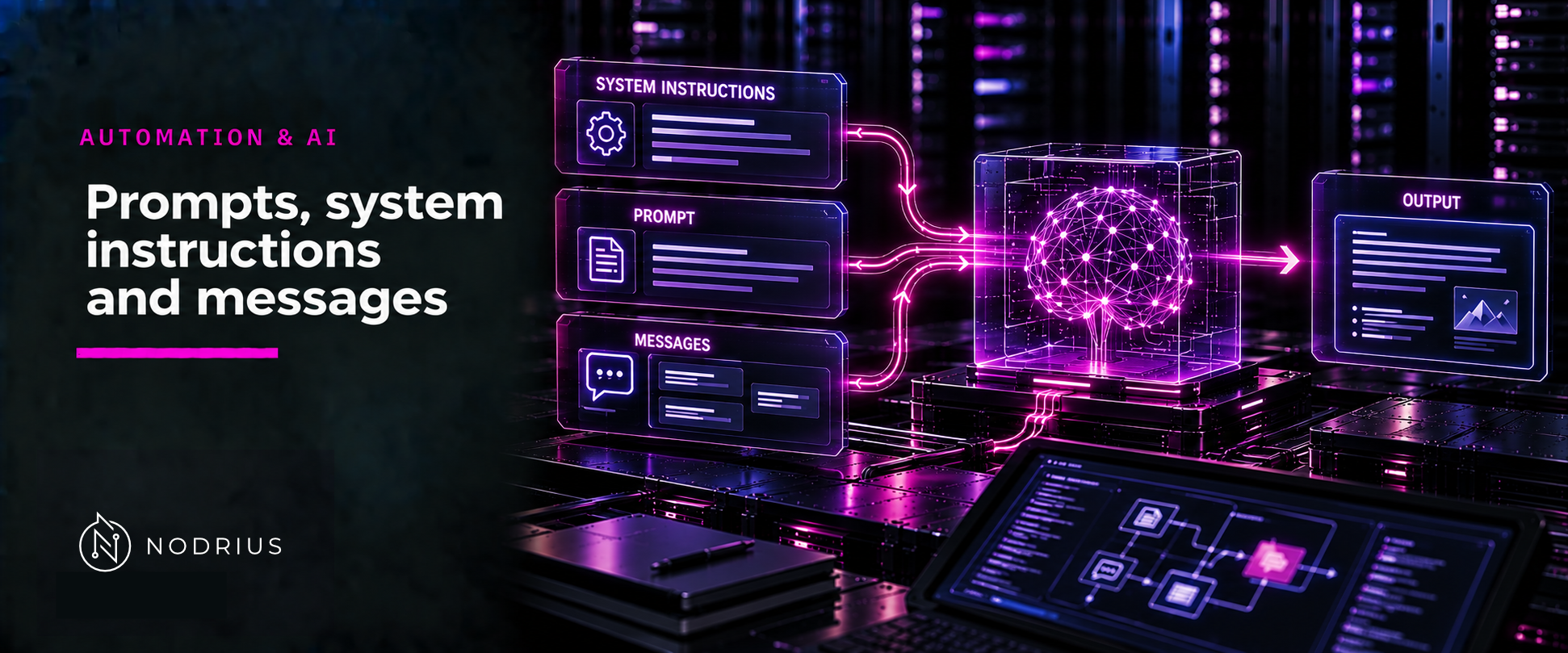
A prompt is the input you send to a model — but it is not a single string of text. In the API this sheet
covers, what you send is an ordered list of messages, and every message carries a role: system
(or developer on newer models), user, or assistant. The OpenAI API specification describes the field
that carries them as “A list of messages
comprising the conversation so far” (openai-openapi.yaml line 43621). The system and developer
messages carry the application’s standing instructions; the user message is what the end user typed.
These levels are not equivalent, and an instruction at any level is guidance the model is trained to
follow, not a control that enforces anything. A team that writes “never output the internal table” into a
system prompt has written a preference, not an access check — the check has to live in code around the
model.
The model: request → model → generated message
application builds the REQUEST
    messages: [ { role: system|developer, content: <standing instructions> },
                { role: user,            content: <the user's turn> },
                { role: assistant,       content: <earlier model output, if any> } ]
        │
        ▼
the MODEL   (sees only the request it is given — this sheet's reading)
        │
        ▼
generated message  (the model's reply)
        │
        ▼
the application decides what to do with it
Two things follow. The first is my reading, not a quotation: what the model sees is exactly what the request contains, with no side channel of its own. The second is the specification’s own distinction, that each message’s role marks who authored it.
Terminology the reader needs
- Message — one item in the request’s list, with a
roleand acontent. The specification describesroleas “The role of the message (e.g. "system", "assistant", "user")” (lines 45081, 45299, 50134). Content is text, and depending on the model also images or audio (line 43621). - System message — “Developer-provided instructions that the model should follow, regardless of messages sent by the user” (line 42024).
- Developer message — the same description, plus the note that “With o1 models and newer,
developermessages replace the previoussystemmessages” (line 41804); the role value isdeveloper(line 41829). - User message — “Messages sent by an end user, containing prompts or additional context information” (line 42095).
- Assistant message — “Messages sent by the model in response to user messages” (line 41717).
- Prompt (colloquial) — the whole request you send. “Prompt engineering” is about shaping it; this sheet is about its parts, not recipes.
Why an instruction is not a control
An instruction works because of what the model is trained to do with one. The InstructGPT paper states that predicting the next token is “different from the objective "follow the user’s instructions helpfully and safely"” (line 74) — the paper calls the language-modelling objective “misaligned” — and describes training the model to act “in accordance with the user’s intention” (lines 79–80). It then defines the word: “By helpful, we mean that the output should follow the user’s intention” (line 2169). So the model is optimised to comply with instructions. That tendency is what makes a system prompt useful, and it is also why it is not enforcement: compliance is a statistical tendency, not a boundary the model cannot cross.
Authority levels
| Role | Who sets it | What the specification says | What it is not |
|---|---|---|---|
system / developer |
the application | instructions the model “should follow, regardless of messages sent by the user” (lines 42024, 41804) | not a control, not a secret |
user |
the end user | “prompts or additional context information” (line 42095) | not higher authority for being last |
assistant |
the model, on earlier turns | “Messages sent by the model in response to user messages” (line 41717) | not ground truth, not a fact store |
A system-level instruction is application-set standing guidance: written by the application, applied to
every user, steering tone and behaviour for a use case. Anthropic’s platform documentation puts it plainly
— “Setting a role in the system prompt focuses Claude’s behavior and tone for your use case”
(anthropic-system-prompts.html). “Regardless of messages sent by the user” is the phrase to hold onto:
the system level is not one more user turn.
That reading — that the roles form a set of authority levels, with the system-level instruction above the user turn — is this sheet’s own framing. The specification labels the roles and says the system instruction holds “regardless of messages sent by the user”; it does not rank them.
OWASP writes that adding restrictions inside the system prompt “can provide mitigation” against unwanted
output, but that “such restrictions may not always be honored and could be bypassed via prompt injection
or other methods” (owasp-llm-top10-2025.txt lines 387–389). The same
document says the system prompt “should not be considered a secret, nor should it be used as a security
control” (lines 1160–1161), recommends “Avoid Reliance on System Prompts for Strict Behavior Control”
(line 1218), and requires that critical controls such as privilege separation and authorization checks
“not be delegated to the LLM, either through the system prompt or otherwise” (lines 1233–1236). The
instruction shapes the model; the control belongs to the application.
What the model can see, and what it cannot
The model’s input is the request’s message list and nothing else — that is my reading of how the request is
built, not a sentence the specification writes. The specification calls that list “the
conversation so far” (line 43621), so the caller carries it. When the request grows past the context
window, its auto truncation mode drops items “from the beginning of the conversation” to fit; the
default, disabled, fails the request with a 400 error instead (lines 46841–46842, 46843–46845). Whatever you
want the model to consider must be in the list you send, and keeping, curating and re-sending that history
is the application’s responsibility. A model that appears to remember your last session is the application
putting it back in the list.
The common conceptual error
“Put it in the system prompt so the model can’t do X.” An instruction is a trained tendency to comply, and OWASP documents that a restriction inside the system prompt may be bypassed; a hard boundary belongs in deterministic code outside the model. The mirror error is “the model knows what we discussed”: on my reading above, it knows only what the current request carries, and a long request may be truncated from the start.
Level and prerequisites
L1 — what a prompt, an instruction and a message role are, and why an instruction is not a control: no prompt-engineering recipe, no API parameter, no injection technique. Prerequisites: none.
Where to go next
- Automation & AI — the area this sheet belongs to.
- Who decides the next step belongs to
model-application-agent-and-workflow; truthfulness tohallucination-uncertainty-and-verification; injection mechanics are L4 material and are only named here.
References
- OpenAI, OpenAI API specification (
openai-openapi.yaml, OpenAPI document) — themessageslist, the system/developer/user/assistant message schemas, the role description and the context-window truncation behaviour. - OpenAI, Training language models to follow instructions with human feedback (arXiv:2203.02155, 2022) — the instruction-following objective and the paper’s definition of “helpful”.
- Anthropic, System prompts (platform documentation) — the system prompt as application-set guidance for behaviour and tone.
- OWASP, Top 10 for LLM Applications 2025 — LLM02 Sensitive Information Disclosure on the limits of system-prompt restrictions; LLM07 System Prompt Leakage on the system prompt not being a security control.