
Docker, Podman and Compose
Three tools and one workload: what Docker, Podman and Compose actually do.
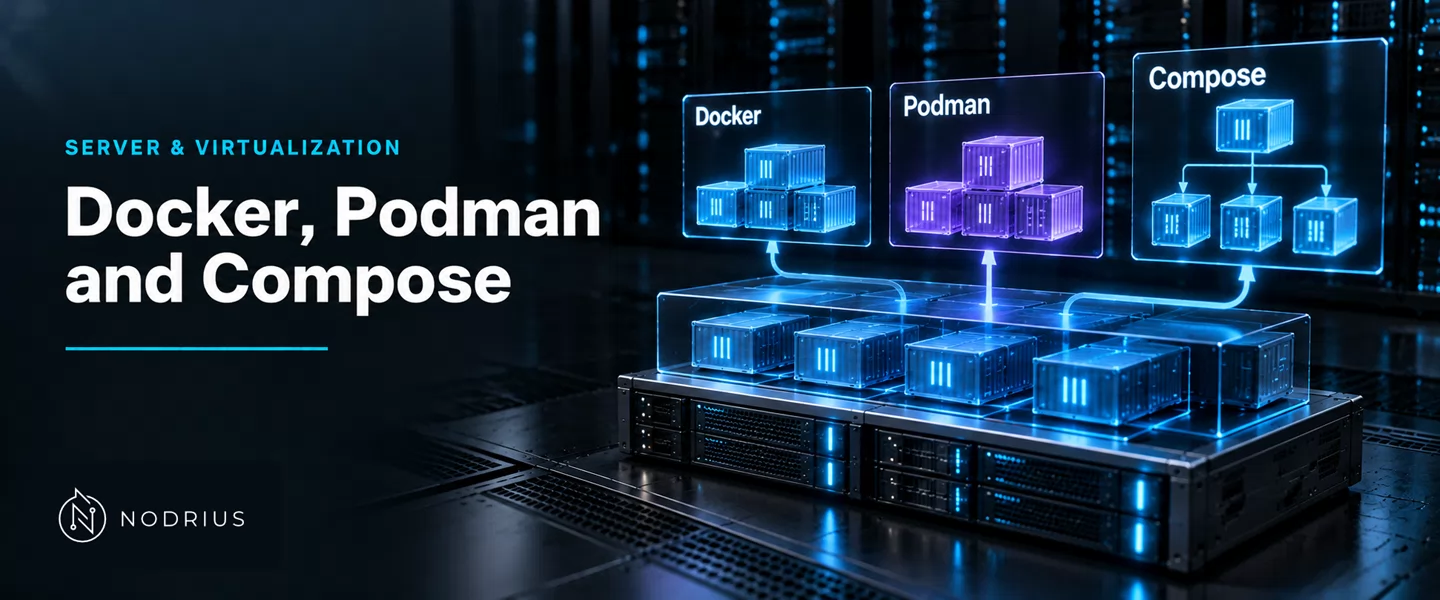
Three tools, one workload. The workload is the container: a process the kernel starts from an image, under the OCI runtime specification. What differs between Docker, Podman and Compose is not the container but the machinery around it — which process starts it, which keeps it alive after you leave, and who those processes run as. Docker answers with a long-lived daemon; Podman with the command you just typed and a per-container monitor; Compose is not an engine but a declarative file that either engine can run.
Three tools, one workload
All three rest on one low-level runtime. On Linux the container is spawned by a tool such as runc, “a CLI tool for spawning and running containers on Linux according to the OCI specification”. runc is not meant to be driven by hand: it “is a low level tool not designed with an end user in mind. It is mostly employed by other higher level container software”, and “unless there is some specific use case that prevents the use of tools like Docker or Podman, it is not recommended to use runc directly”. This sheet answers not what a container contains — that is Container images, registries, volumes and networks — but which tool sits above the runtime.
Docker: a client, a daemon and what sits below
Docker is client–server: the client does not start containers itself; it calls a daemon, over a REST API “used by the Docker CLI to communicate with the Docker daemon” that “uses a Unix socket instead of a TCP socket bound on 127.0.0.1”. That socket is the single control point for every container on the host, and “This daemon requires root privileges unless you opt-in to Rootless mode”; rootless mode instead “lets you run the Docker daemon and containers as a non-root user”.
Below it, work is layered: containerd “is available as a daemon for Linux and Windows, which can manage the complete container lifecycle”, and is “designed to be embedded into a larger system, rather than being used directly by developers or end-users”; the host’s container features are in turn reached through runc and OS-specific libraries. The chain is client to daemon to containerd to runc. Two consequences follow: one process to start and one privilege boundary — the daemon’s — over every container, and a daemon whose failure removes the control plane from them all at once, including the ones still running.
Podman: no daemon, one monitor per container
Podman inverts the arrangement: no central daemon, and podman run does the work. Its manual says what it spawns: “When Podman starts a container it actually executes the conmon program, which then executes the OCI Runtime. Conmon is the container monitor.” It holds the container’s exit code and tty, and “This is what allows Podman to run in detached mode (backgrounded), so Podman can exit but conmon continues to run. Each container has their own instance of conmon”.
So the process keeping a container alive belongs to that container, not to a service above all of them: nothing to start before the first podman run, and no single process whose death takes them all with it. Supervision beyond the container’s lifetime must be attached explicitly. Because conmon “runs in a separate process than Podman”, its pid can be written to a file, “necessary when using systemd to restart Podman containers”, and Podman points units at systemd’s own Restart=. Why supervision falls to systemd is the supervision sheet’s subject; the point here is that no resident daemon owns it.
Compose: a file, not an engine
Compose is a specification and a file format, not a runtime. “A service is an abstract definition of a computing resource within an application which can be scaled or replaced independently from other components. Services are backed by a set of containers, run by the platform”, and “A Compose file must declare a services top-level element”. The file states what should exist; an implementation drives an engine. Parts of it are optional: “If not implemented the deploy section is ignored and the Compose file is still considered valid”.
That separation lets one file run under more than one engine: Podman delegates rather than reimplementing it. “podman compose is a thin wrapper around an external compose provider such as docker-compose or podman-compose”, and “docker-compose takes precedence since it is the original implementation of the Compose specification”. Two consequences follow. Compose is a single-host orchestrator, not a cluster scheduler. And on Podman the tool you run and the engine that runs the containers are not the same program.
What actually differs in operation
The differences that bite in exercise are topology, not feature lists.
  Docker — client, long-lived daemon, chain            Podman — command, per-container monitor
  ────────────────────────────────────────────         ────────────────────────────────────────
  docker CLI                                           podman run
      │ REST API over a Unix socket (root)                 │ fork / exec
      ▼                                                    ▼
  dockerd  ── one per host                             conmon  ── one per container
      │                                                    │
      ▼                                                    ▼
  containerd  ── lifecycle, images, supervision         OCI runtime (runc)
      │                                                    │
      ▼                                                    ▼
  runc  →  container process                           container process
                                                       podman exits; conmon stays
Four questions separate the two engines. Who holds the container: in Docker a resident daemon supervises every container on the host; in Podman each gets its own conmon, with no central process. What you talk to: a socket and a REST API, versus the CLI you ran unless a compatible socket is exposed for the wrapper above. Who runs as whom: Docker’s daemon holds root unless rootless mode is chosen, while Podman needs no privileged daemon, so the container-to-host-user boundary differs out of the box — the mechanism is the isolation sheet’s; the fact is operational here. What a reboot does: neither CLI brings a container back — on Podman the systemd unit podman-restart.service does; the supervision sheet owns the detail. Where image layers and volumes live is excluded by design — that is Container images, registries, volumes and networks.
Windows containers: the same idea on another kernel
Windows runs containers too, and its primary description states the model without Linux vocabulary: “the container doesn’t get unfettered access to it. Instead, the container gets an isolated–and in some cases virtualized–view of the system”, and changes “affect only the container and are discarded when it stops”, so data survives only through mounted storage. That “in some cases virtualized” leaves the isolation model unnamed. Docker Desktop “makes use of containers functionality built-in to Windows”; the same source notes that “you can manage a few containers manually using Docker and Windows”, but that “apps often make use of five, ten, or even hundreds of containers”. The tool names are portable; the process that holds a container, and the isolation beneath it, are not.
Level and prerequisites
L4 — operational depth: the three tools’ process models and their consequences, not the mechanics of images, isolation or supervision, which are separate sheets.
Prerequisites: processes and services, and systemd units — what supervises a container on a Linux host — plus Container images, registries, volumes and networks. The client-versus-daemon distinction assumes fluency with a process tree.
Where to go next
- Server & Virtualization — this sheet’s area; its Operating systems node is operating-systems.
- Beyond L4: distributed orchestration (Kubernetes), past a single-host Compose file.
References
- Docker — Docker daemon attack surface (Engine security) — https://docs.docker.com/engine/security/
- Docker — Rootless mode — https://docs.docker.com/engine/security/rootless/
- Podman — podman-run(1) — https://docs.podman.io/en/latest/markdown/podman-run.1.html
- Podman — podman-compose(1) — https://docs.podman.io/en/latest/markdown/podman-compose.1.html
- Compose specification — Services top-level element — https://raw.githubusercontent.com/compose-spec/compose-spec/master/05-services.md
- containerd — containerd README — https://raw.githubusercontent.com/containerd/containerd/main/README.md
- runc — runc README — https://raw.githubusercontent.com/opencontainers/runc/main/README.md
- Microsoft — About Windows containers — https://learn.microsoft.com/en-us/virtualization/windowscontainers/about/