
Processes, services and system management: what is running, and who says so
What is running and who says so: processes, services, their supervisor and its log.
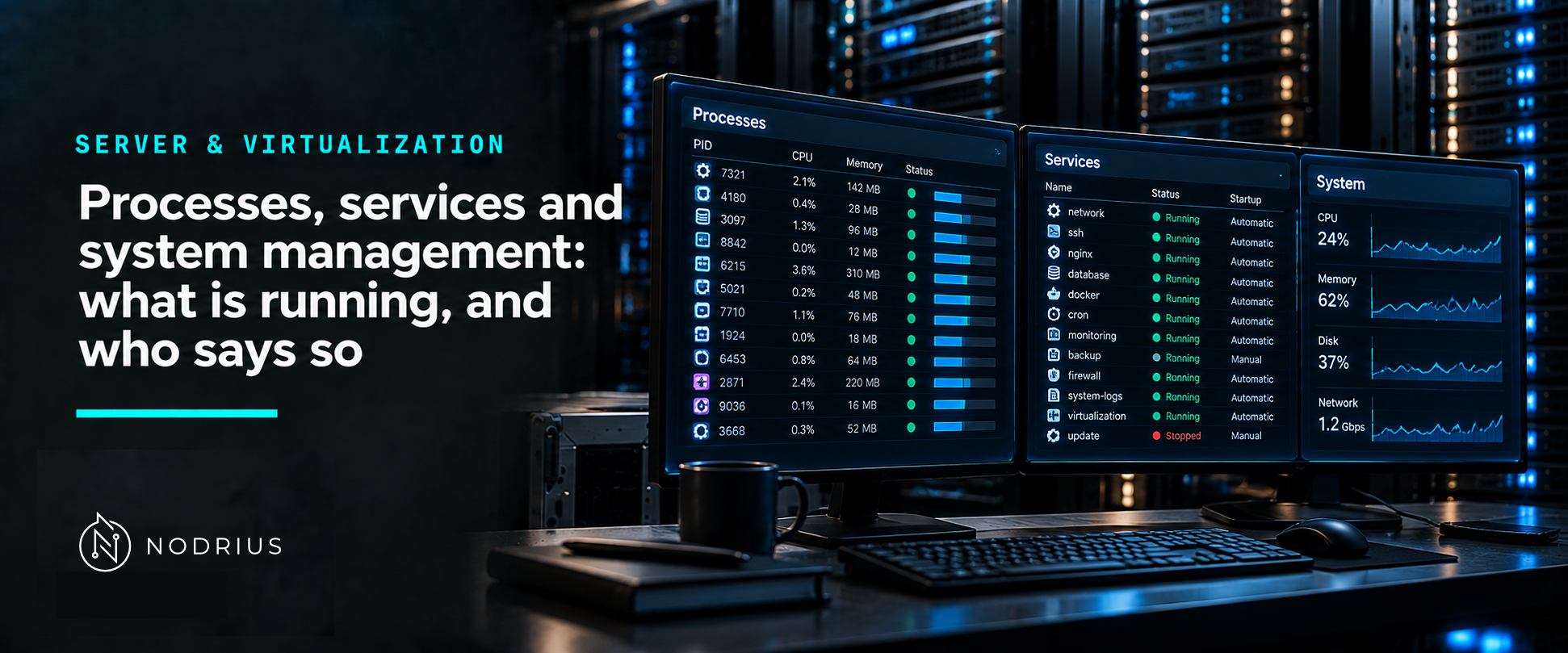
The question “is it running?” has three different answers depending on the layer being asked. The process exists, or it does not. The service manager believes the service should exist, or it does not. The application inside is actually answering requests, or it is not. System management is the discipline of knowing which of the three you have just checked — and the three are not the same thing.
The model: a supervisor, a process tree, and evidence
service manager
   Linux:   systemd (process 1), units, unit configuration files
   Windows: Service Control Manager (SCM)
        ↓ starts, restarts, stops, logs
process tree
   parent → children: each with an identity (user), a PID, a state,
   resources in use, and limits imposed from outside
        ↓
signals (requests to the running process)   +   logs and accounting
Nothing in an operating system runs by itself: something starts each process, and on a server that something is usually a supervisor with a configuration that says what “started” and “failed” mean.
Terms used here
- Process — a running program: an identity, a memory image, open files, and a state known to the kernel.
- PID / PPID — the process identifier and the identifier of its parent.
- Process state — what the kernel currently knows the process is doing (running, sleeping, waiting on I/O, or terminated).
- Signal — the mechanism used to notify a process of an event, including a request to terminate.
- Service / daemon — a long-running process the system starts and supervises on behalf of other work.
- Unit — on systemd, the object that describes something to manage; a service is one type of unit.
- Restart policy — the supervisor’s rule for what to do when the process exits.
- cgroup — on Linux, the mechanism that distributes resources along a hierarchy in a controlled way.
- Log — the record of what the supervisor and the application reported.
A process is a state, not just an existence
Listing processes is easy; reading them is the skill. ps documents its own state letters, and three of
them are worth knowing because they answer most “why is it not doing anything?” questions:
- R — “runnable (on run queue)”: it wants the CPU.
- S — interruptible sleep: waiting for something (a timer, a socket, an event) and wakeable.
- D — “uninterruptible sleep (usually I/O)”: waiting on I/O and not wakeable by a signal.
- Z — “defunct”: a process that has died but whose parent has not collected its exit status.
The distinction between S and D explains an observation that otherwise looks like a hang: a process stuck in D cannot be terminated until the I/O completes, however impatiently signals are sent.
Signals: requests, not commands
Signals are how the running process is told something. The two that matter in administration are named in the signal manual page: SIGTERM is described as the termination signal — the ordinary request, which the process can handle by closing files, flushing buffers and exiting cleanly — while SIGKILL is documented as the signal that “cannot be caught, blocked, or” ignored. SIGKILL cannot be handled by design: it stops the process immediately, which is exactly why it is not the first thing to reach for.
The practical translation: SIGTERM asks, SIGKILL takes. A service stopped with the supervisor’s own “stop” operation gets the first one, waits, and escalates only if the process refuses — losing whatever the process had not yet written.
Services: the supervisor decides what “running” means
On both platforms a service is a process that has been registered with a supervisor, and the supervisor owns its life cycle.
On Linux, systemd describes itself as the system and service manager, and organises what it handles
into units. For a service unit, the configuration file is where the life cycle is declared: ExecStart=
says what to run, Type= says how the process signals readiness, and Restart= says what to do when it
exits — the manual page documents the restart settings together with a table of exit causes and their
effects.
On Windows Server, a service application “conforms to the interface rules of the Service Control Manager
(SCM)” and, as Microsoft’s documentation puts it, it “can be started automatically at system boot, by a
user through the Services control panel applet, or by an application that uses the service functions”.
Registering one is an operation on the supervisor’s own database: sc.exe create, in Microsoft’s words,
“creates a subkey and entries for a service in the registry and in the Service Control Manager database”.
The consequence is the same on both sides: the application does not decide when it runs. Ask the
supervisor — systemctl status or the Services console — and read its answer, not the application’s
intentions.
Resources and limits belong to the layer above
A process does not only exist; it consumes. On Linux, cgroups are the mechanism that distributes resources “along the hierarchy in a controlled” way, which is why a service can be given a memory ceiling or a CPU weight without modifying the application. This is also the layer at which a runaway process is contained, and the reason container isolation and service supervision are often discussed together. The equivalent mechanisms on other platforms are outside this sheet’s sources; what matters here is that limits are imposed from outside the process, by the same layer that starts it.
A common misconception: “if the service is up, the application works”
The supervisor’s “running” is an answer to a narrow question: the process it started has not exited. It says nothing about whether the application is answering requests, whether it can reach its database, or whether it is doing what its name suggests. That gap is exactly why health checks exist as a separate concept, and why a monitoring system that only asks the supervisor is a monitoring system with blind spots. Similarly, “restart it with SIGKILL” is a common habit and a poor one: the immediate effect is that the process stops, and the quieter effect is that whatever it had not yet written is gone.
What to remember
- Three layers answer “is it running?”: the process, the supervisor, the application’s own behaviour.
- A process has an identity, a parent and a state; D means uninterruptible I/O wait, Z means a dead process its parent has not collected.
- SIGTERM asks a process to terminate; SIGKILL cannot be caught and skips cleanup.
- Services are registered with a supervisor (systemd units; the SCM), and the supervisor owns start, stop, restart policy and the log.
- Resource limits (cgroups on Linux) are imposed from outside the process by the same layer.
- “The service is active” is not evidence that the application works; that is a separate check.
Level and prerequisites
L1 — fundamentals: what a process and a service are, and who supervises them. Prerequisites: the idea of
an operating system running programs (see Linux and Windows Server fundamentals). Operational material —
systemctl and unit files, sc.exe configuration, log reading, cgroup limits, job control, monitoring
and health checks — is L2–L4, and containers are L4.
Where to go next
- Server & Virtualization — the area this sheet belongs to.
References
ps(1)manual page — the process state codes used in the body (R runnable, S interruptible sleep, D uninterruptible sleep “usually I/O”, Z defunct).signal(7)manual page — SIGTERM as the termination signal, and the signal that “cannot be caught, blocked, or” ignored.systemd(1)manual page — systemd as the system and service manager, and units as the objects it manages.systemd.service(5)manual page — service unit configuration:ExecStart=,Type=,Restart=and the table of exit causes and their effects.- Linux kernel documentation — Control Group v2 — cgroups as controlled resource distribution along a hierarchy.
- Microsoft Learn — Services (Win32) — a service application conforming to the Service Control Manager’s interface rules and the three ways a service can be started.
- Microsoft Learn —
sc.exe create— service registration as subkeys and entries in the registry and the Service Control Manager database.