
systemd: units, targets and controlling services
Units, not processes: what systemd manages, and how systemctl controls a service.
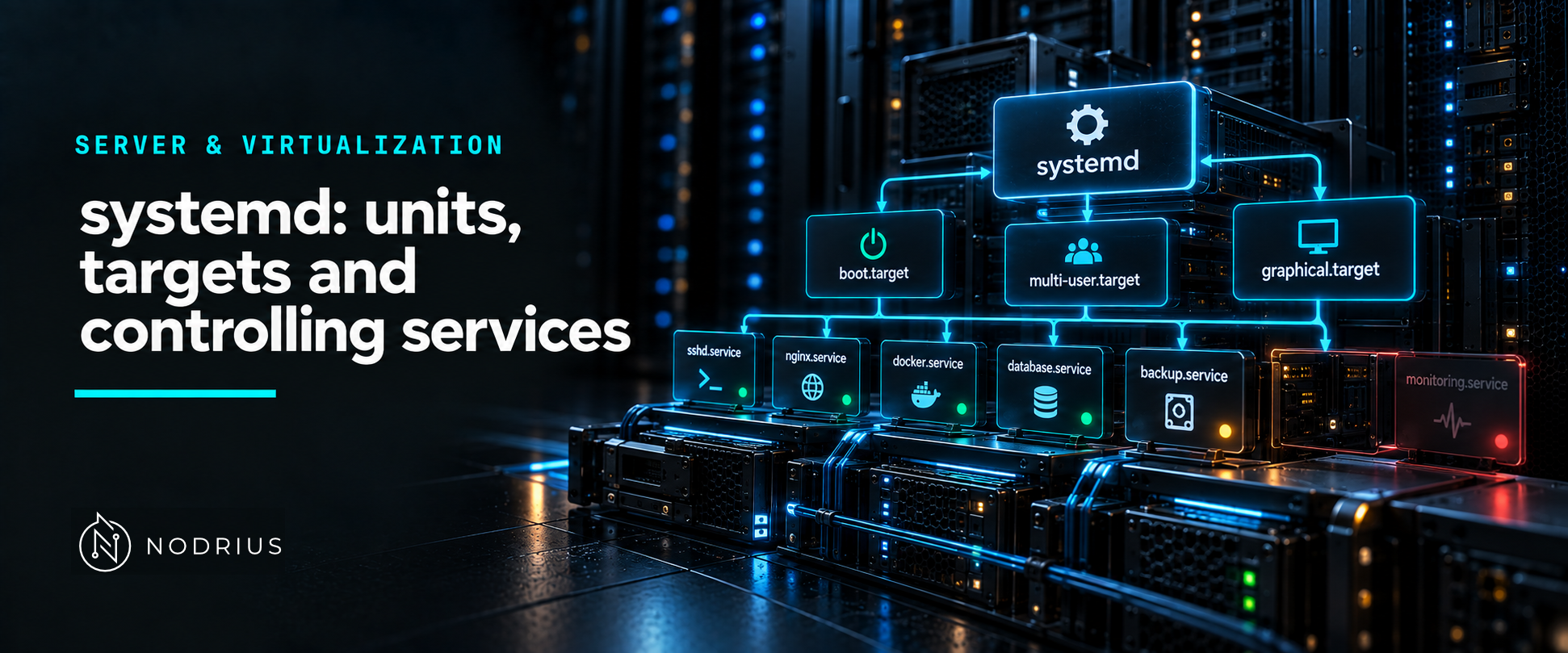
systemd is the system and service manager: on a modern Linux host it starts and supervises almost everything. Its object is not the process but the unit — a named, typed resource described by a unit file. systemctl controls units; a target groups units to define a system state; and dependencies and start order, which people usually say in one breath, are two separate mechanisms.
unit, service, process: three different things
A process is a running program with a PID. A service is a background task in the ordinary sense. A unit is what systemd actually manages: a name, a type and a configuration file. The type is the file’s suffix — .service, .target, .socket, .timer, .mount, .device — so a unit is a service only when its suffix is .service. Not every unit runs a process: a .target only groups other units, and a .mount represents a mount point.
Unit files are found in three places, in increasing order of precedence: /usr/lib/systemd/system/ (shipped by packages), /run/systemd/system/ (created at runtime) and /etc/systemd/system/ (administrator changes). systemctl status names the file it loaded, and the Loaded: line also reports the load state — one of loaded, not-found, bad-setting, error or masked.
To change one setting you do not edit the vendor file: you add a drop-in, a file under /etc/systemd/system/<unit>.d/ ending in .conf. Only the directives it sets are overridden; the rest of the vendor file still applies. Editing the vendor file directly works until the next package update overwrites it.
targets: units that only group other units
A target groups units and names a system state. The common ones are multi-user.target (a multi-user system), graphical.target (a graphical login), rescue.target and emergency.target. A target has no process of its own; it is useful because one name can be used in Wants= or Requires= to pull in a whole set of units, and in After= or Before= to order against that set. systemctl get-default shows which target the system boots to.
requirement and ordering are not the same thing
Two settings decide whether a unit is pulled in, and two decide in what order:
Wants=is a weak requirement: the listed units are started if this unit starts, but if they fail, this unit still runs. It is the recommended way to hook the start-up of one unit to another.Requires=is strong: if a required unit fails to activate and anAfter=on it is set, this unit is not started; and if the required unit is explicitly stopped, this unit is stopped too.After=andBefore=set ordering only. They do not pull anything in.
Wants=foo.service  (pull-in only)          both start together
        bar.service ────►
        foo.service ────►

Wants=foo.service + After=foo.service      bar waits for foo
        foo.service ────────►
        bar.service         ────────►
The classic mistake is reading Wants= as “start this first”. It orders nothing: with Wants= and no After= or Before=, both units start at the same time.
WantedBy= in the [Install] section is different again: it is not a runtime requirement but the instruction systemctl enable reads to create the boot-time symlink.
controlling a service with systemctl
| Task | Command |
|---|---|
| run now | systemctl start foo.service |
| stop now | systemctl stop foo.service |
| restart / reload | systemctl restart foo.service / reload |
| start at boot | systemctl enable foo.service |
| do not start at boot | systemctl disable foo.service |
| enable and start at once | systemctl enable --now foo.service |
| inspect | systemctl status foo.service |
| ask, scriptably | systemctl is-active / is-enabled |
| see what pulls what | systemctl list-dependencies --after foo.service |
The distinction that matters operationally is enable versus start. enable writes the symlink that makes the unit start at boot; start runs it now. A service can be running but not enabled — it works until the next reboot and then is quietly gone — or enabled but not running.
reading the status output
systemctl status foo.service prints a Loaded: line (the unit file path, plus enabled or disabled), an Active: line (state and timestamp), the Main PID, the cgroup, and the last few journal lines for the unit. Those trailing log lines are the fastest way to see why a start failed.
when it goes wrong
A service that “does not start” usually shows as Active: failed. Read the unit’s own log lines with journalctl -u foo.service -b; the usual causes are a wrong or non-absolute ExecStart, a missing file or permission, or a non-zero exit.
A masked unit cannot be started at all. A unit file that is empty (size 0) or symlinked to /dev/null has the load state masked, and systemd refuses to activate it even by hand; systemctl unmask foo.service restores it. That is why “it is disabled but still refuses to start” usually means masked.
Level and prerequisites. L2 — operational: enough to inspect units, control a service and read why it failed. Prerequisites are the Linux process model and the shell; this sheet does not re-explain them.
Where to go next
- Server & Virtualization — the macro-area this sheet belongs to.
- Operating systems — the node this sheet sits in.
- Platform foundations — where the boot process and the init system fit.
The companion sheets in this node — “Logs and the journal: what the system recorded and where to find it” and “Cron and systemd timers: scheduled work and why it fails silently” — build directly on the unit model above.
References
- systemd — systemd.unit(5), Unit configuration — the unit file format, the
[Unit]and[Install]sections, the.wants/directory, drop-ins, unit search paths, and the definition of a masked unit. - systemd — systemd.target(5), Target unit configuration — targets as grouping units, with no process of their own, used in
Wants=/Requires=andBefore=/After=. - systemd — systemd.service(5), Service unit configuration —
ExecStart=, the option that names the process a service unit runs. - systemd — systemctl(1) — start, stop, restart, reload, enable, disable, status, is-active, is-enabled and
--now. - systemd — systemd.unit(5), Debian bookworm edition — the definition of a masked unit quoted in the body, and a second, version-pinned reading of the
Requires=,Wants=,After=andBefore=directives. - Red Hat — Configuring basic system settings, Chapter 10: Managing systemd (RHEL 9) — the common targets, the unit file directories, the
systemctl statusfields, and enabling versus masking a service.