
Templates, clones and snapshots
Templates, linked and full clones, and why a virtual machine snapshot is not a backup.
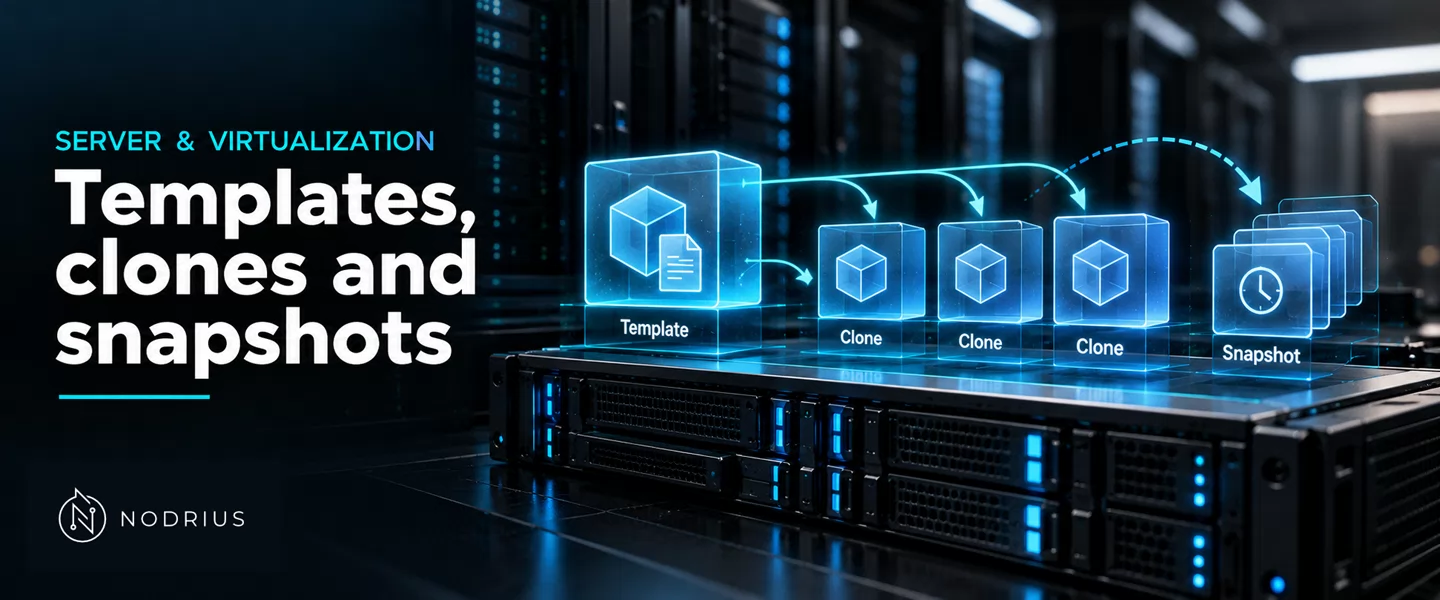
Three objects in a virtualized environment are routinely confused: the template, an immutable model from which guests are stamped; the clone, a copy of a virtual machine (VM) or template — independent (a full clone) or sharing its parent’s blocks (a linked clone); and the snapshot (a checkpoint in Hyper-V), a record of one VM’s state at one moment. All three avoid copying data they do not have to — and none is a backup.
The three objects and how they relate
Two relationships are at work. A template and its clones are branching: one read-only parent, many children, each an independent copy or a thin layer borrowing the parent’s blocks. A VM and its snapshots are linear inside one machine’s life: the VM stays one VM, and each snapshot is a level in a chain carrying the state forward. A clone is a peer of the original; a snapshot is its dependency.
  TEMPLATES AND CLONES  (branching)         SNAPSHOTS ON ONE VM  (linear)

  +-----------------------------+           +-----------------------------+
  | template  base-100-disk-0   |           |  VM 100                     |
  | (read-only, never started)  |           |  @snap1   <- older level    |
  +-------------+---------------+           |     |                       |
                |                           |     v                       |
       +--------+--------+                  |  @snap2   <- newer level    |
       |                 |                  |     |                       |
       v                 v                  |     v                       |
  full clone        linked clone             |  active disk (writes land   |
  = independent     = reads parent,          |  on the newest layer, the   |
  copy, own data    writes its own layer     |  chain is walked upward)    |
  (costly, slow)    (instant, shares blocks) +-----------------------------+
                    parent must survive:     deleting a level merges it
no template -> no child into the level below| Object | What it is | Relationship | Cost and dependency |
|---|---|---|---|
| Template | read-only model, never started | the parent that branches into clones | an immutable base image; its children depend on it |
| Full clone | independent copy | peer of the original | copies all data, can move anywhere, depends on nothing |
| Linked clone | writable copy sharing the parent’s blocks | peer that points to a parent | near-zero at first, grows with writes, dies with the parent |
| Snapshot / checkpoint | a level of the same VM’s state | dependency of the live disk | grows with divergence; shares the live disk’s failure domain |
The template: an immutable starting point
A template is a VM retired into a read-only model. Proxmox VE: “One can convert a VM into a Template.”, and “It is not possible to start templates, because this would modify” the disk images. To change a template, clone it and edit the clone.
Immutability is enforced on the files. The conversion makes “all VM images are renamed to indicate” they are base images, and the backend “sets the immutable flag” (chattr +i) where the storage supports it; the name becomes a base-<VMID>-<NAME>.<FORMAT> base image: this file is a parent, not a working disk.
Clones: full copies and linked copies
A full clone is a complete copy: its result “is an independent VM”, and the “new VM does not share any storage resources with the original”. “A full clone needs to read and copy all VM image data.”, so it is slower and uses its own storage — but it can move to another storage or node and depends on nothing.
A linked clone trades the other way: it “is a writable copy whose initial contents are the same as the original data”, created almost instantly and using no space at first — it reads unmodified blocks from the parent and writes changes to its own layer (copy-on-write). That layer is the Windows differencing disk, created “with a parent path” via -ParentPath, which “Specifies the path to the parent of the differencing disk”. On the QEMU side it is a backing-file image that “will record only the differences from BACKING_FILE”; on ZFS, “A clone is a writable dataset whose initial contents are those of a” snapshot.
The dependency runs one way: “You cannot delete an original template while linked clones” exist, and the “origin snapshot cannot be destroyed while a clone of it exists”.
Snapshots and checkpoints: state on one VM
A VM snapshot is not a new machine: it is the same VM recorded at a point in time. Hyper-V names two flavours. A standard checkpoint “takes a snapshot of the virtual machine and virtual machine memory state”, and “A snapshot is not a full backup and can cause data consistency issues”. A production checkpoint instead “uses Volume Shadow Copy Service or File System Freeze on a Linux virtual machine to create a data-consistent backup”, taking no memory image; it is the default.
A standard checkpoint is state-consistent: memory is saved with the disk, so applying it resumes the machine mid-instruction. A production checkpoint is data-consistent: the filesystem is quiesced so the disk image is coherent, but the machine returns from a cold boot. Proxmox VE does the same from the other side: a snapshot without RAM of a running VM issues a guest filesystem freeze.
The chain, consolidation and the missing parent
Every snapshot or checkpoint adds a layer on top of the parent disk: reads walk upward from the newest layer until a block is found, and writes land on the newest layer — the same differencing chain as a linked clone, along time rather than across guests. When a checkpoint is deleted its layer is not deleted: it is merged into the level below, because “Hyper-V merges the .avhdx and .vhdx files for you”, and “You should not delete the .avhdx files directly.” On the QEMU side the operation is commit, which “Commit the changes recorded in FILENAME in its base image or backing file.”
Merging moves real data, so deleting a long chain can saturate the storage. The chain is fragile: if a parent is missing or renamed, every later image pointing to it opens with a broken link. QEMU states a backing file “will be opened to check that it is valid”, and offers -u to create an image anyway “even if the associated backing file cannot be opened”.
Limits: space, performance and the backup mistake
Space. A snapshot or linked clone starts at no extra cost and grows with divergence: as the VM overwrites blocks the earlier level keeps the old content, so the chain grows with how much the guest changed, not its size.
Performance. A deeper chain means longer reads, because a block may have to be found several layers up. Proxmox VE warns that “regular LVM snapshots are inefficient because they interfere with” all writes in the volume group, causing significant I/O degradation — which is why LVM does not support linked clones.
The mistake. None of the three is a backup. A template is a model, not the running system’s data. A clone is a copy, but on the same storage and host, often in the same chain as its parent — remove the parent and the linked clones go with it. A snapshot is a level in the very chain that holds the live disk, so it shares the failure domain it should protect. A copy is a backup only when it is separate, retained and restorable without the original.
Level and prerequisites
L3 — hands-on, object-distinguishing, dependency-aware, state-aware copy mechanics: this sheet assembles the operational view of copies and point-in-time state on a host, and is neither a storage-snapshot definition (L2) nor an oversubscription design (L4).
Prerequisites are the virtualization sheets below: the one that separates host, VM, vCPU, vRAM and virtual devices, and the one that fixes what a virtual disk is.
Where to go next
Where capacity goes, the sheet on virtual disks and thin or thick provisioning continues it. Why a snapshot is not protection is the storage sheet on snapshots and their limits, and the full, incremental and differential backup sheet shows what a real copy and a restore chain cost. Further out, the live-migration material picks up the states and layers left on the host.
References
- Proxmox Server Solutions GmbH — Proxmox VE Administration Guide — https://pve.proxmox.com/pve-docs/pve-admin-guide.html
- Microsoft — Using checkpoints (Hyper-V) — https://learn.microsoft.com/en-us/windows-server/virtualization/hyper-v/checkpoints
- Microsoft — New-VHD (Hyper-V) — https://learn.microsoft.com/en-us/powershell/module/hyper-v/new-vhd
- OpenZFS — Snapshots, Clones and Bookmarks — https://openzfs.github.io/openzfs-docs/Basic%20Concepts/Datasets/Snapshots%20and%20Clones.html
- QEMU — QEMU disk image utility (qemu-img) — https://www.qemu.org/docs/master/tools/qemu-img.html