
OSPF areas, adjacencies and metrics: how the map is built from LSAs
An adjacency, an area and a metric together decide which links a router sees.
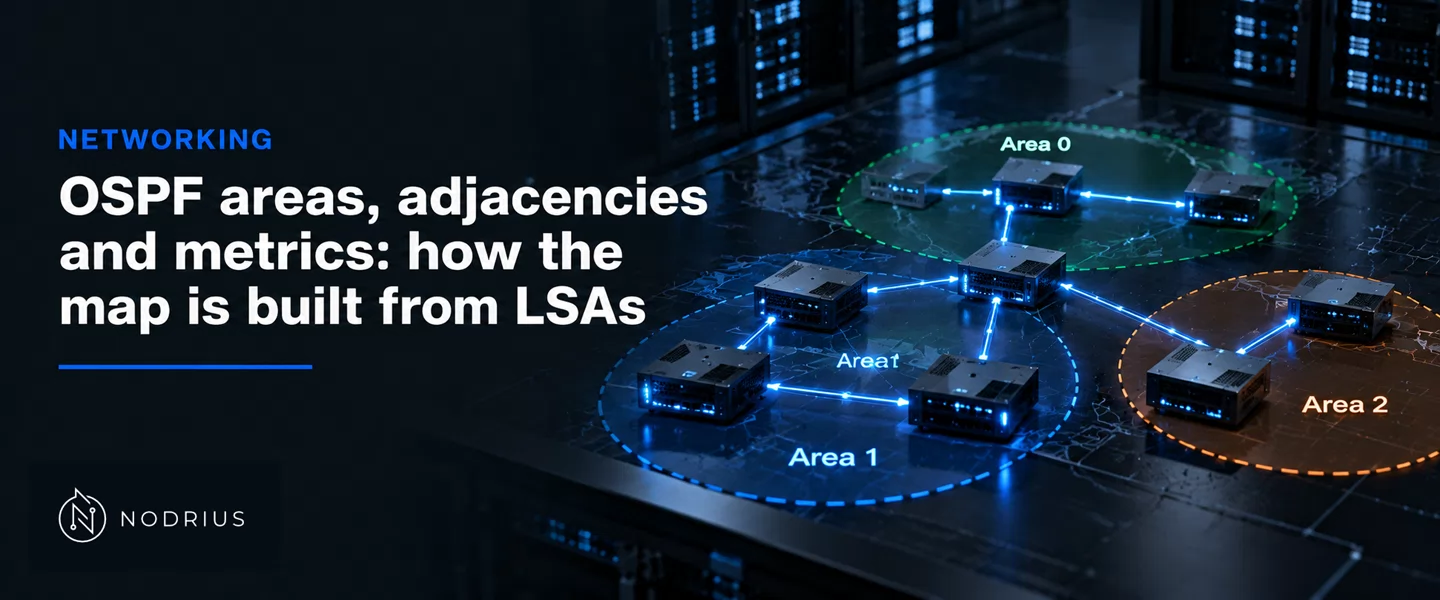
The link-state database is not copied between routers as a map; it is assembled from link-state advertisements (LSAs), each describing its own links. Three things decide what ends up in it: the adjacency, the conversation that exchanges the database; the area, which decides which LSAs are flooded where; and the metric, the number the calculation minimises, with a separate kind for external routes.
The neighbour states, and where the adjacency begins
RFC 2328 names the neighbour states, and not all are adjacencies. Down is the start; Init means a Hello packet has been seen but “bidirectional communication has not yet been established” (rfc2328.txt lines 4242–4244); 2-Way is mutual recognition, the pool the DR is drawn from (lines 4262–4264). The adjacency begins at ExStart, “the first step in creating an adjacency” (line 4267); Exchange catalogues the database (line 4274), Loading asks for what is missing (line 4287), Full completes it (line 4292). Not every neighbour gets there — “Not every two neighboring routers will become adjacent” (lines 2570–2571): on a multi-access segment a pair proceeds only if one side is the DR or BDR, or the link is point-to-point (Design Guide, lines 465–467).
 neighbour (Hello)                    adjacency (database synchronisation)
 ─────────────────                    ───────────────────────────────────
 Down ─▶ Init ─▶ 2-Way ─────────────▶ ExStart ─▶ Exchange ─▶ Loading ─▶ Full
                  │                                                     │
                  └─ neither side is DR or BDR on a broadcast segment ──┘
Why a broadcast segment elects a DR and a BDR
Without an election every pair on a segment would synchronise with every other; one Designated Router and one Backup Designated Router cut that fan-out, “from O(n*n) to O(n)” (Design Guide, line 428). The DR “becomes adjacent to all other routers on the network” (lines 2705–2706); the BDR spares the segment a full re-synchronisation when the DR fails (lines 2757–2772). Election is per segment: highest interface priority wins (Design Guide, line 438), highest Router ID breaks the tie (lines 3743–3745), priority zero makes an interface ineligible (line 444).
LSAs: which brick, and which router emits it
Two LSA types carry the intra-area map, and neither leaves its area — which is what makes the boundary real. “A router-LSA is generated by each router in the area” (lines 2506–2507); “One network-LSA is generated for each transit broadcast and NBMA network” (lines 2510–2511). The bridge is the area border router (ABR), which keeps a database per area (Design Guide, lines 1668–1670) and originates the summary-LSAs — type 3 for networks, type 4 for AS boundary routers (lines 2183–2186). The exit to other protocols is the AS boundary router (ASBR), whose AS-external-LSA “describes a route to a destination in another Autonomous System” (lines 2191–2193).
   area 1                    backbone (area 0)                    area 2
 ┌───────────────┐         ┌────────────────────┐         ┌───────────────┐
 │ router-LSA (1)│         │  intra-area LSAs   │         │ router-LSA (1)│
 │ network-LSA(2)│  ABR    │  converge here     │  ABR    │ network-LSA(2)│
 └───────┬───────┘ ──────▶ └────────────────────┘ ◀────── └───────┬───────┘
         │  summary-LSA (3/4) crosses one boundary and stops there   │
   ASBR ─┴─▶ AS-external-LSA (5): flooded through the AS, except into stub areas
What an area decides, and the three types it produces
The backbone is area 0: it “always contains all area border routers” (lines 1314–1316), and a packet between two non-backbone areas travels as three joined pieces — an intra-area path to an ABR, a backbone path, another intra-area path (lines 1336–1340). What tells the types apart is what crosses the boundary: a normal area carries every type, the others filter.
- A stub area filters the external type: external LSAs “are not flooded into/throughout stub areas”, and routing there “is based on a (per-area) default only” (lines 1832–1835), injected by an ABR. No virtual link and no ASBR may sit inside (lines 1874–1876), and the backbone “cannot be configured as a stub area” (lines 2539–2542). Cisco’s totally stubby area filters inter-area routes too (Design Guide, lines 997–1000).
- A not-so-stubby area (NSSA) keeps the filtering while allowing external routes in; RFC 2328 leaves the mechanism to a separate specification, and the OSPFv3 document states the concept for this batch’s sources (lines 579–583).
What the metric does at a boundary
Interface cost, flooding and Hello parameters belong to the L3 sheet on OSPF fundamentals; here they are cited, not restated. This sheet adds the number’s behaviour at the boundary: inside an area the calculation sums the advertised costs, and a route leaving the area is not — the router reads the summary-LSA and adds its distance to the ABR, since the inter-area cost “is the distance to BR plus the cost specified in the LSA” (lines 8435–8437). The ranking is fixed: intra-area, then inter-area, then external (Design Guide, lines 337–338).
External routes add a second metric. Type 1, “expressed in the same units as OSPF interface cost” (lines 1145–1146), is compared after adding the internal cost to the ASBR; Type 2 “is considered greater than the cost of any path internal to the AS” (lines 1155–1157), so internal distance only breaks ties — and “Type 1 external metrics always take precedence” (lines 1213–1215).
Summarisation is an area effect
Only a boundary makes summarisation possible: the ABR reduces many networks of its area into one advertisement — “the consolidation of multiple routes into one single advertisement” (Design Guide, lines 865–866) — placed “in the direction of the backbone” (lines 867–868). Overlapping ranges between two areas defeat it (line 891). The address plan belongs to the L3 sheet.
Limits and common mistakes
- A neighbour stuck at 2-Way is not always a fault. On a broadcast segment two DRother routers stay there by design.
- Stub filtering trades optimality for size. External destinations follow the injected default, so the exit may not be optimal.
Level and prerequisites
L4 — advanced routing practice. Read after the L3 sheets on dynamic routing and OSPF fundamentals (Hello, cost, flooding) and on summarisation.
Where to go next
References
- RFC 2328 — J. Moy, OSPF Version 2, IETF, STD 54, Standards Track, April 1998. https://www.rfc-editor.org/rfc/rfc2328.txt (local copy
rfc2328.txt). - RFC 5340 — R. Coltun, D. Ferguson, J. Moy, A. Lindem (Ed.), OSPF for IPv6, IETF, Standards Track, July 2008. https://www.rfc-editor.org/rfc/rfc5340.txt (local copy
rfc5340.txt). - Cisco Systems, OSPF Design Guide, Document ID 7039 (vendor documentation; local copy
cisco-ospf-design-guide.txt).