
Packet capture: what a capture file proves and what it does not
Where a capture is taken, and how much of each packet it keeps, decide what it can prove.
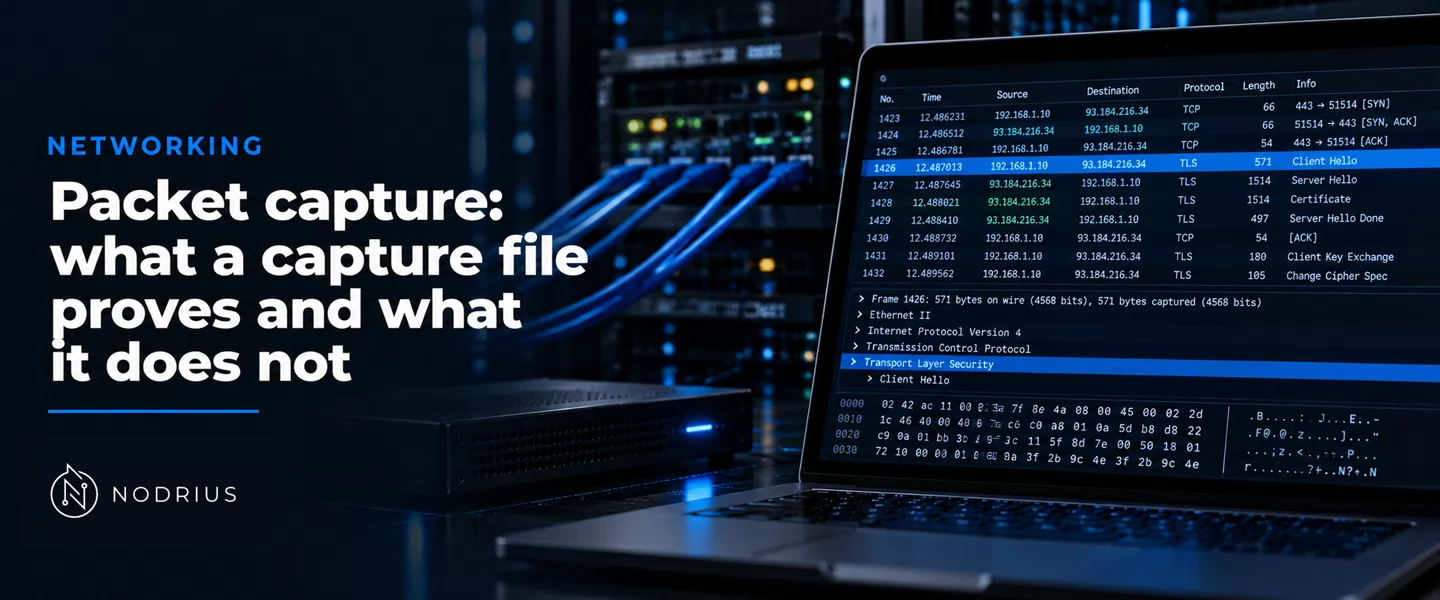
A packet capture is a copy of the frames that crossed one point on the network while the capture ran, each stored with the time it reached that point — a record of what arrived there after the capture process had discarded part of it. Reading one means answering three questions in order: where the copy was taken, how much of each packet was kept, and what was lost before it was written. The container is the libpcap format, described for the IETF in PCAP Capture File Format, draft-ietf-opsawg-pcap-08.
What a capture file contains
A capture file “begins with a File Header, followed by zero or more Packet Records, one per packet”, and that header is 24 octets long (pcap-format-draft-08.txt lines 148–149, 201). It carries a magic number that fixes the timestamp unit — “are in seconds and microseconds” for one of its two values, “in seconds and nanoseconds” for the other (lines 205–211) — the SnapLen, “the maximum number of octets captured from each packet”, and the LinkType (lines 258–260, 312–313).
Each Packet Record holds the observation: “a 16-octet header, followed by data from the packet” (lines 362–363), a timestamp of seconds since 1970-01-01 00:00:00 UTC, and two lengths. The Captured Packet Length is the octets kept, the Original Packet Length “the number of octets of packet data that would have been provided had the packet not been truncated to the snapshot length” (lines 370–399). When the two differ, the packet was cut.
capture point: one interface, one mirroring session, one window of time
        |
        v
   frames copied by the capture mechanism
        |
        +--> dropped for lack of capture buffer ---> counted by the tool
        |                                            while it runs, never
        |                                            written into the file
        v
   capture filter (libpcap expression) ----> non-matching packets are never written
        |
        v
   SnapLen: every packet is cut at N octets
        |
        v
   Packet Record: timestamp | Captured Length | Original Length | Packet Data
        |
        v
   file on disk (.pcap) ---> proves what reached THAT point, and nothing else
Where the copy is taken
The capture point decides what can appear at all. The sharpest case is a switch: “after the host B MAC address is learned, unicast traffic from A to B is only forwarded to the B port”, so “the sniffer does not see this traffic” (cisco-span-10570.md line 79). Unassisted, a monitoring port catches only what the switch floods, not the unicast it forwards (lines 83–87); the fix is the vendor’s own, Cisco’s SPAN: “The SPAN feature, which is sometimes called port mirroring or port monitoring, selects network traffic for analysis by a network analyzer” (line 59).
Direction and scope decide the rest. A source port can mirror ingress, egress or both (line 134), so an ingress-only session cannot show what the switch sent; a session on one switch is not a session on another: RSPAN “requires a special VLAN to carry the traffic that is monitored by SPAN between switches” (lines 112–114). On a host, any is no single interface: it “captures packets from all regular network interfaces of the OS” (tcpdump-man.txt lines 627–630).
How much of each packet is kept, and what was never written
Truncation is the loss the file records. tcpdump’s -s option takes a snaplen: “Snarf snaplen bytes of data from each packet rather than the default of 262144 bytes” (lines 889–890). Wireshark calls the same setting the snapshot length (wireshark-wsug.txt lines 4345–4346). Snapshot size is a documented trade (lines 895–899): a capture cut short proves the header crossed the point, and nothing about the payload never stored.
The rest of the loss is invisible in the file: tcpdump reports packets dropped for lack of buffer space (lines 326–328), and Wireshark shows “The number of dropped packets. Only displayed if Wireshark was unable to capture all packets” (wireshark-wsug.txt line 4179) — printed while the tool runs and never saved, since most capture file formats do not record it (wireshark-wsug.txt lines 5118–5120). Nor can a reader recover what a filter removed: Wireshark “has two filtering languages: capture filters and display filters” (line 6811), the first deciding what is written and the second only what is shown (lines 6812–6815).
Timestamps and what they measure
A timestamp is the host’s observation, not the wire’s: it “is as accurate as the kernel’s clock” (tcpdump-man.txt line 1337), and it makes no attempt to account for the lag between reception and the kernel stamping (lines 1339–1343). Precision is not accuracy: high-precision stamps are platform and hardware dependent (lines 701–703).
What encryption leaves readable
Encrypted bytes are not the conversation. Transport Layer Security (TLS) “encrypts the communication between a client and a server” (wireshark-wsug.txt line 5929), and “Decryption of TLS traffic requires TLS secrets” (line 5931). Without them a capture proves a session existed, from which addresses and ports and when, but not what was said. The older format cannot carry those secrets: “pcapng supports Decryption Secrets Blocks, pcap does not” (line 2764).
The limit, stated plainly
A capture proves that particular frames reached a particular point in a particular window. It does not prove that traffic passed anywhere else, nor that a frame the file lacks never existed: it may have been filtered, truncated, dropped, or carried by a different device. Such records “might intentionally or inadvertently capture sensitive information such as users’ passwords and the content of e-mails” (nist-sp800-92.txt lines 850–851), so keeping them is a retention decision — policy work, not a reading of the file.
Level and prerequisites
L3 — technical integration and control: it reads a capture as evidence and states what it can and cannot support, analysing no trace and showing no dissected packet. Prerequisites: the L1 frame model and the L2 port-configuration material (a mirroring port is a port configuration, not a bus).
Where to go next
References
- IETF — PCAP Capture File Format,
draft-ietf-opsawg-pcap-08(G. Harris, Ed.; M. Richardson; Internet-Draft of 14 May 2026, intended status Historic) — https://datatracker.ietf.org/doc/draft-ietf-opsawg-pcap/ — the file header and the packet record, the magic numbers and their timestamp units, SnapLen, the LinkType field, the two packet lengths, the.pcapextension, and the pcapng replacement. - The Tcpdump Group — tcpdump(1) manual page (updated 31 July 2026) — https://www.tcpdump.org/manpages/tcpdump.1.html — the file-writing model, the capture expression, the snapshot length, the counts reported at exit, and what a timestamp measures.
- Wireshark Foundation — Wireshark User’s Guide, version 4.7.5 — https://www.wireshark.org/docs/wsug_html/ — capture filters and display filters, the snapshot length and capture buffer, the dropped-packet counter, what is not saved in a capture file, and TLS decryption.
- Cisco Systems — Configure Catalyst Switched Port Analyzer (SPAN): Example (Document ID 10570, updated 31 August 2026) — https://www.cisco.com/c/en/us/support/docs/switches/catalyst-6500-series-switches/10570-41.html — the switch-versus-hub reason the feature exists, the source/destination port vocabulary, SPAN direction, local SPAN, RSPAN and VSPAN.
- NIST — Guide to Computer Security Log Management (SP 800-92, September 2006) — https://nvlpubs.nist.gov/nistpubs/Legacy/SP/nistspecialpublication800-92.pdf — sensitive content in records, personally identifiable information, and the definitions of log retention and preservation.