
PoE and physical links: power, speed and duplex at the port
How a switch port powers a device over the cable (PoE) and how both ends agree on speed and duplex — and the Cisco IOS-XE commands used to inspect and control them.
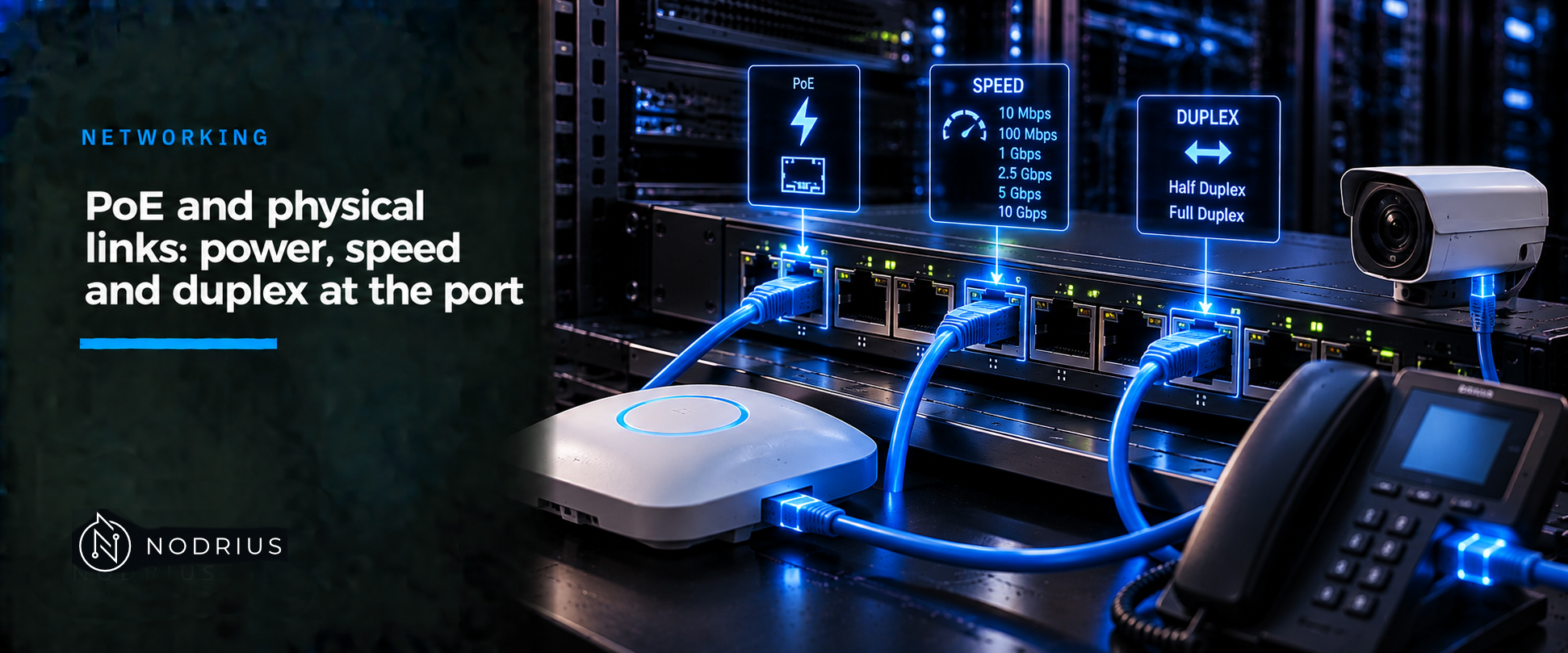
A switch port does two things before it is useful. It can push DC power down the cable to a device that has none — Power over Ethernet (PoE) — and it agrees with the far end on speed and duplex. Get either wrong and the symptom is a device that will not boot, or a link that is up while quietly corrupting frames.
The model: one cable, two independent conversations
Read the rest through this model. The Ethernet data link and the PoE power channel share the same copper pairs but are decided separately. The power side asks: is there a device that needs power, how much does it ask for, and can the switch afford it? The link side asks: what speed and duplex can both ends agree on? The two are independent: a port can be powered with no data link.
PD plugged in
      ↓
detection       valid powered-device signature?
      ↓
classification  how much power is requested?
      ↓
allocation      budget available? grant or deny
      ↓
power applied   → data link negotiates speed/duplex
      ↓
monitoring      real-time draw; fault → power removed

link negotiation (independent of PoE)
  speed + duplex → agreed at both ends, or fixed at both ends
Terms
PSE (Power Sourcing Equipment) is the port that supplies power — a switch or a midspan injector; the PD (Powered Device) is what draws it. The power budget is the total power the switch can allocate across its PoE ports. A PoE mode sets per-port behaviour: auto (detect and power on demand, the default), static (reserve power for a priority port in advance) and never (data only). Autonegotiation is how two ends pick the best common speed and duplex; auto-MDIX lets a port work with straight-through or crossover copper cabling.
The mechanism, step by step
- Detection. With PoE enabled and the port not shut down, the switch probes the cable for a valid powered-device signature. A device that presents one is recognised; the port carries no power before this.
- Classification. The switch sizes a reservation by IEEE power class: Cisco documents Class 0 and Class 3 at up to 15.4 W, Class 1 at 4 W and Class 2 at 7 W; 802.3at raises the port maximum to 30 W, and 802.3bt adds higher classes and up to 90 W on a Type 4 port.
- Allocation. The switch checks the power budget. If power is available it grants it and updates the budget; if not, it denies power, logs a message and keeps re-checking. The reservation is the class maximum, not what the device actually draws.
- Power applied, then negotiation. Once powered, the device negotiates its real draw with CDP or LLDP, and the switch reclaims the difference.
- Monitoring and policing. The switch tracks real-time consumption. If it exceeds the configured allocation, power policing applies an action: log, or shut the port into the error-disabled state.
The link side runs in parallel. Both ends advertise their speeds and duplex, and the best common setting wins. On fibre the optic fixes the speed and nothing is negotiated.
Verifying it on a Cisco IOS-XE switch
The reference platform is Cisco IOS-XE; the concepts are portable, the syntax is not. show power inline summarises per-port PoE — administrative and operational state, the class, and the watts delivered; show power inline <interface> narrows this to one port. For the link, show interfaces status gives one line per port with operational speed and duplex, show interfaces <interface> adds the error counters, and show interfaces counters errors lists the error columns across the switch. show interfaces <interface> transceiver reports the optic’s identity and, when the module supports it, its optical levels.
Configuration is small. On the port, power inline auto (default), power inline static max <mW> or power inline never set the power mode; power inline consumption <mW> overrides the class-based reservation; power inline police action log or power inline police action errdisable set the policing action; speed auto and duplex auto keep negotiation on, and mdix auto (both must be auto) handles cabling polarity.
Two changes interrupt service: power inline never on a port with a powered device attached can cause a false link-up that puts the port into the error-disabled state, and changing speed or duplex can shut down and re-enable the interface while it reconfigures.
Limits and the common error
Two mistakes dominate. The first is budgeting by class: a Class 3 device reserves 15.4 W even if it draws 3 W, so a 48-port PoE+ switch can refuse power long before it is actually full. The second is a duplex mismatch — auto on one end, fixed on the other: the autonegotiating side falls back, one side runs half-duplex, and the link can still pass traffic while logging late collisions and CRC errors. Cisco’s guidance is firm: use autonegotiation at both ends, or set speed and duplex explicitly at both ends. A useful split: CRC errors climbing without collisions point at the cable or the optic; CRC plus late collisions point at the mismatch.
Treat PoE as availability, not control — enforcement belongs to the access and firewall layers — and remember the power at the device is below the port maximum, because some is lost as heat over the run.
Level and prerequisites
L2 — operational. This sheet assumes the L1 Ethernet material: frames and MAC (Media Access Control) addresses, switch roles, and the packet path.
Where to go next
- Networking — the area this sheet belongs to.
References
- Cisco — Interface and Hardware Components Configuration Guide, Cisco IOS XE (Catalyst 9200/9300): PoE modes, classes, detection, power policing.
- Cisco — Command Reference, Cisco IOS XE (Catalyst 9400): interface and hardware commands,
duplex,port-settings,show interfaces transceiver. - Cisco — Interface Characteristics Configuration Guide, Cisco IOS XE 17 (C9000): speed and duplex guidelines, default interface settings.
- Cisco — Configuring Auto-MDIX (Catalyst 3850):
speed auto,duplex auto,mdix auto. - IEEE 802.3 (802.3af/802.3at/802.3bt amendments): the PoE standards; full text is paywalled and was not read — the claims here are supported by the Cisco documentation above.