
Filesystems, users, groups and permissions: how a system decides who may touch what
How a system decides who may touch what: mode bits, umask, ACLs and share rules.
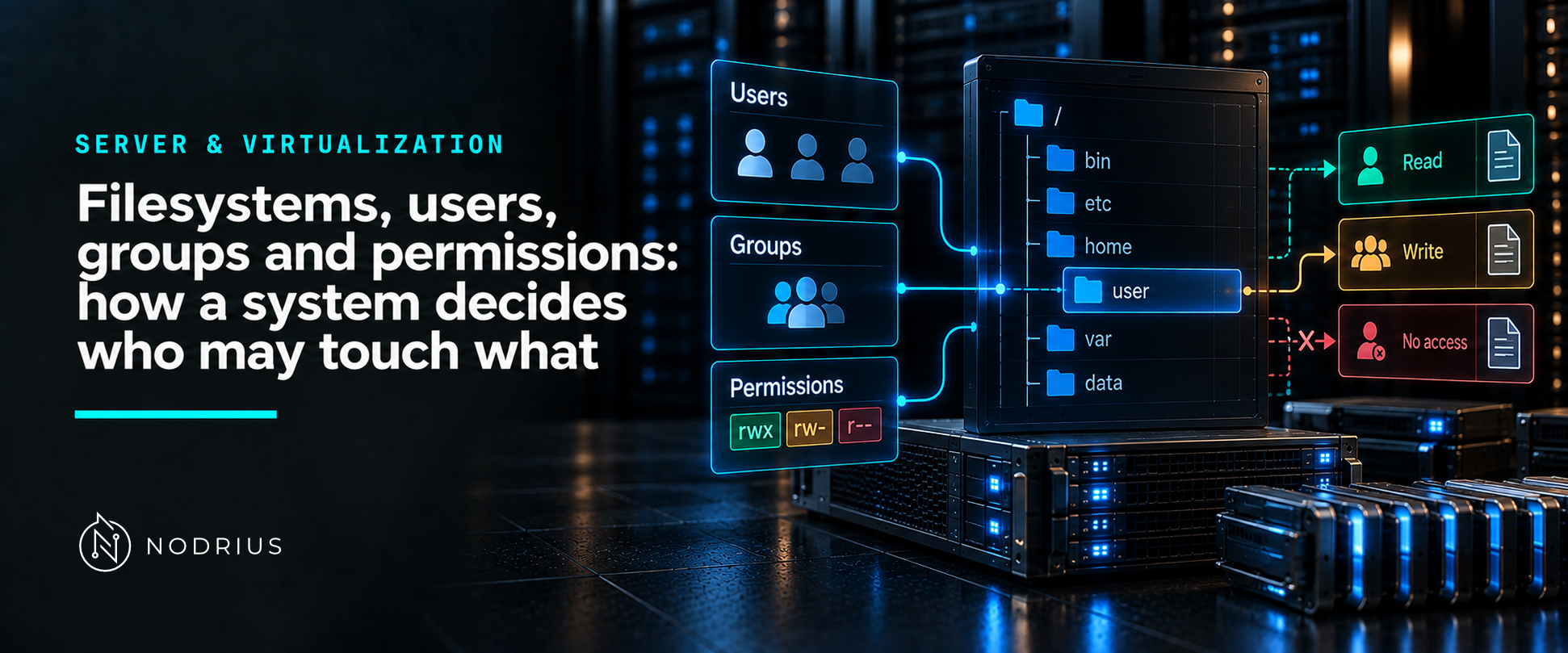
Storage becomes useful when a program can find its data again, and safe when the system can decide who may touch it. The first job belongs to the filesystem, which stores data plus the metadata that describes it; the second to the security model, which compares the identity a process runs as with the rules attached to the object. Linux’s mode bits and Windows’ access control lists are two dialects of that idea, and both are checked on every access.
The model: identity, object, check
process runs as an identity
   Linux:  uid + gid (+ supplementary groups)      Windows: token with SIDs
        ↓  asks the filesystem for an operation on an object
filesystem + operating system security check
   Linux:  owner / group / other mode bits, extended by ACL entries and a mask
   Windows: access control entries in the object's DACL, checked against the token
        ↓
allow or deny
The check happens per operation, not once: “may this process write to this file?” is answered every time, against the state of the file’s rules at that moment.
Terms used here
- Filesystem — the structure on a storage device that holds files and directories plus the metadata (names, ownership, permissions, timestamps) needed to find and describe them.
- mount point / drive letter — where a filesystem is attached to the running system’s namespace.
- user, group — the identity a process runs as; group membership is how many processes share one set of rights.
- owner — the identity that owns the object, and which the permission model treats specially.
- mode bits — the classic Unix permission set: read, write and execute for owner, group and others.
- octal (numeric) mode — the same bits written as digits, as accepted by
chmod. - umask — the mask that removes permissions from newly created files and directories.
- ACL / ACE — access control list / access control entry: the finer-grained form, on both platforms.
- DACL / SACL — on Windows, the object’s discretionary ACL (who may access it) and system ACL (what is audited).
What a filesystem actually stores
A filesystem is more than a tree of names. It keeps the data, the layout that says where each piece lives,
and the metadata that makes an object an object. The features differ — Linux servers commonly use ext4 or XFS (the XFS manual describes a filesystem with a data section, a log and an optional realtime section), while Windows Server ships NTFS and ReFS, described by their own documentation in terms of security descriptors and resilience to corruption. The important part here is the common shape: data, metadata, and a namespace that can be mounted into the running system.
Identity: everything is a user and a group
Both platforms refuse to do anything outside an identity. A process runs as a user and carries group information; the security check uses that identity and nothing else — not the terminal you typed in, and not what you intended. This is why the same command can succeed for one account and fail for another, and why “the service cannot read its own configuration file” is a statement about the service’s identity, not about the file.
Linux: mode bits, written as digits
The classic model gives an object one owner, one group and an “everyone else” category, and three rights
(read, write, execute). chmod accepts that model in numeric mode, described in its manual page as one
to four octal digits derived from the bits — which is why 4 (read), 2 (write) and 1 (execute) sum into the
familiar 7, 6, 5 and 4. Newly created objects do not get what you typed: umask “sets the calling process’s file mode creation mask”, and the bits set in it are turned off from the mode the creating call requested — which is why a new file is usually not world-writable even when the program asked for broad permissions.
Because three categories are not enough, ACLs extend the model: an ACL “consists of a set of ACL entries”, and — the part that surprises people — a mask entry acts as a ceiling, so the group permissions that appear to apply are limited by the mask, as acl(5) states.
Windows: entries in an access control list
Windows expresses the same idea with access control entries. Its documentation is explicit: an ACL is “a
list of access control entries (ACE)”, each ACE identifies a trustee and specifies the access rights that
trustee has, and a security descriptor can contain two ACLs — a DACL, and a system ACL for auditing. Access is decided by checking the ACEs in the object’s DACL against the identity of the process that asks; the rights involved include DELETE, WRITE_DAC, WRITE_OWNER and SYNCHRONIZE alongside file-specific operations.
Two consequences worth carrying into operations: the system checks the ACEs “in sequence” until one allows all the requested access rights or one denies them, so the result depends on the entries’ order and not only on whether the identity appears at all; and the object has an owner, which is special because an owner can be allowed to change the rules that govern access (the WRITE_DAC right).
And a third rule on top: the share
When a file is reached over the network, a second check exists beside the file’s own permissions, because the share carries its own rules. Microsoft’s documentation of shared folders states the relationship precisely: share permissions and file permissions are “independent in the sense that neither changes the other, and the most restrictive of the two will be applied to the shared resource”. Two rule sets in play is usually the fastest explanation of “but I gave that user full control”.
A common misconception: “permissions are in the way, so widen them”
Widening permissions is the easiest change to make and the hardest to notice afterwards, because it answers the security question for every future access too. The traceable version is to ask which identity should be doing the work (the service account, the group, the owner) and fix that: the file did not have to become writable by everyone in order to become writable by the service. If access is still denied, the next place to look is the mask entry (Linux) or the order of the ACEs (Windows), not the permissions as a whole.
What to remember
- A filesystem stores data, metadata and a namespace; permissions are part of that metadata.
- Every access is checked against the identity the process runs as.
- Linux: owner/group/other mode bits, expressible as octal digits, refined by ACLs and their mask;
creation defaults come from
umask. - Windows: ACEs inside the object’s DACL, checked against the caller’s identity, with an owner that can change the rules; ACLs are ordered lists.
- Over the network, the share adds its own check beside the file’s permissions.
- Widening permissions should be the last resort, not the first fix.
Level and prerequisites
L1 — fundamentals: what the objects are and how access is decided. Prerequisites: the idea of a process
running as a user. The commands (chmod, chown, setfacl, icacls, getfacl), inheritance and
propagation rules, share-versus-NTFS interaction in AD environments, and auditing are operational material
(L2), and centralised identity (LDAP, Active Directory) belongs to the Cybersecurity Governance area.
Where to go next
- Server & Virtualization — the area this sheet belongs to.
- Cybersecurity Governance — least privilege and identity as a governance subject.
References
- Linux kernel documentation — ext4 Data Structures and Algorithms (a concrete Linux filesystem).
xfs(5)manual page — an XFS filesystem’s parts (data section, log, optional realtime section).- Microsoft Learn — NTFS overview — NTFS as the Windows file system with security descriptors, encryption, quotas and rich metadata.
- Microsoft Learn — Resilient File System (ReFS) overview — ReFS and its data-integrity design goals.
- Microsoft Learn — Access Control Lists — ACLs as lists of ACEs, each identifying a trustee and the access rights granted to it; the DACL/SACL distinction and the check performed on access.
- Microsoft Learn — Access Rights — the rights a file or directory access check uses, including
DELETE,READ_CONTROL,WRITE_DAC,WRITE_OWNERandSYNCHRONIZE. chmod(1)manual page — numeric mode as octal digits derived from the permission bits.acl(5)manual page — an ACL as a set of ACL entries; the mask entry and the group-permission rule.umask(2)manual page — the file mode creation mask and how it removes bits from newly created objects.