
The host firewall: what a server should allow and block by default
Default-deny posture, stateful tracking, and how ufw, firewalld or nftables allow SSH.
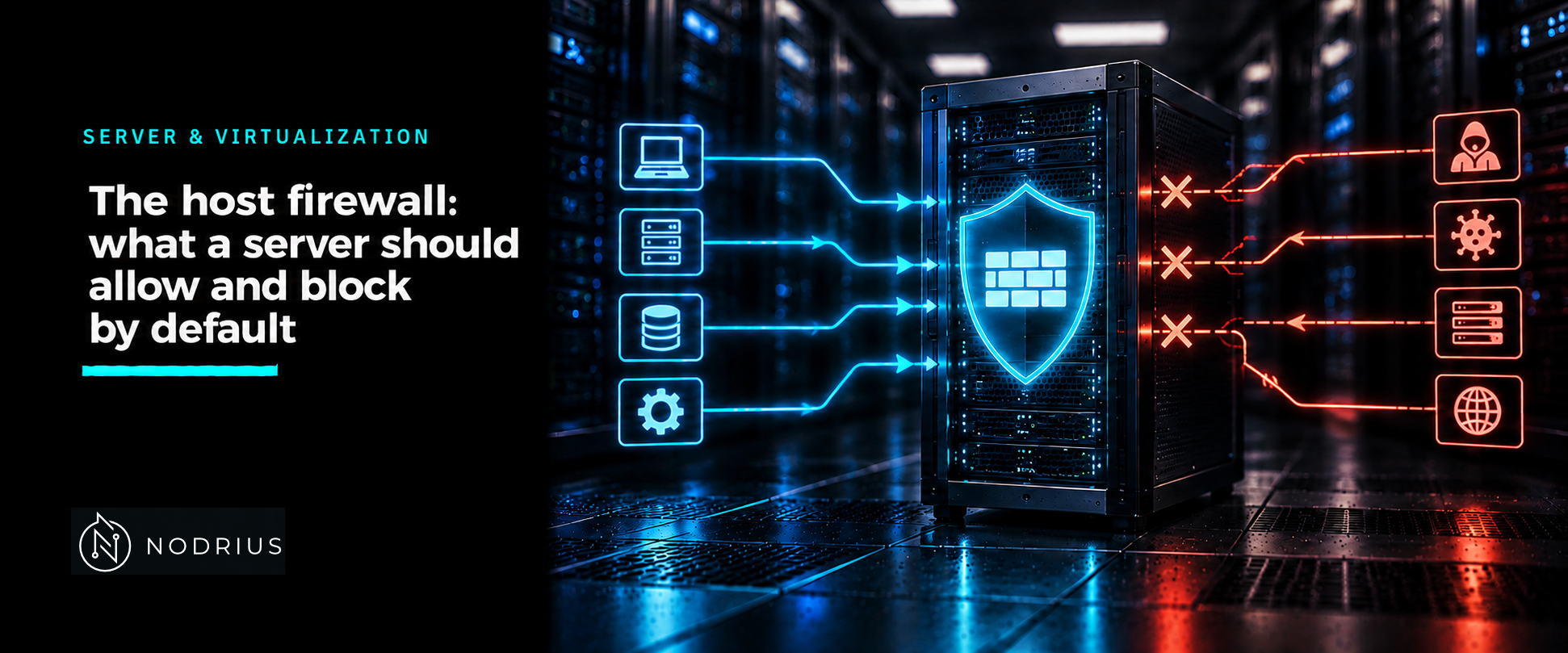
A host firewall is the filter that sits on the server itself and decides which packets the operating system’s network stack will accept. Its value is not in the rules you write but in the default you choose: a server that blocks everything inbound except the services it actually runs has removed an entire class of surprise — a debug port left listening, a database briefly exposed, a service that came up after a package install. On Linux the filtering is done by the kernel’s netfilter subsystem; the tools above it differ mainly in ergonomics.
Filtering is a chain of rules with a default
netfilter evaluates packets against chains of rules attached to hooks in the network path; nftables names the pieces tables, chains and rules. A base chain carries a policy — the verdict for packets no rule matched — and the one that governs a server’s exposure is the input chain. A host firewall’s whole posture is essentially the answer to one question: when nothing matches, accept or drop? A chain policy can be accept or drop, and setting it to drop discards every unmatched packet. That is the point of the exercise: on an internet-facing server the individual rules are not a list of things to block but the small set of things to allow.
a packet addressed to this host
        ↓
input chain:   rule 1 → rule 2 → … → rule n
        ↓  no rule matched
chain policy:  drop  (the server default)   |   accept
Stateful filtering and connection tracking
The rules do not have to be symmetric. netfilter’s connection-tracking system (conntrack) associates packets with a connection and its state, so a firewall can allow the return traffic of a connection it permitted without a rule for it. This is what keeps a rule set readable: you describe what may initiate traffic to the host, and the replies follow implicitly. firewalld says the same thing in different words — it applies rules in a stateful, unidirectional manner, where the return path of allowed traffic is permitted automatically.
Two front ends over one kernel
Ubuntu’s default front end is ufw, the “Uncomplicated Firewall”; RHEL 9’s is firewalld; under both, the kernel’s netfilter subsystem does the filtering. Which packet-filtering framework a front end drives is version-dependent: on RHEL 9 firewalld uses the nftables back end, while Ubuntu’s own documentation still describes the ufw back end as iptables-restore. firewalld organises rules by zone — a zone is a level of trust, an interface or a source is assigned to one, and predefined services map a name such as ssh or http to its ports and protocols — and it keeps a runtime configuration separate from a permanent one. ufw is deliberately simpler: default policies plus numbered rules. Direct nftables is for cases the front ends do not cover well, such as a large or performance-critical rule set.
| ufw (Ubuntu) | firewalld (RHEL 9) | |
|---|---|---|
| Enable | ufw enable (also enabled at boot) |
systemctl enable --now firewalld |
| Allow SSH | ufw allow ssh (or ufw allow 22/tcp) |
firewall-cmd --add-service=ssh --permanent |
| Default incoming | ufw default deny incoming |
zone target drop or reject |
| Persist a change | rules persist once ufw is enabled | --permanent, then firewall-cmd --reload |
| Show what is allowed | ufw status numbered |
firewall-cmd --list-all |
Host firewall, network firewall
A host firewall governs what reaches this machine’s stack; a network firewall — a router or a perimeter appliance between segments — governs traffic in transit. They are complementary, not substitutes: a network device cannot stop two hosts on the same segment from reaching each other, and a host cannot filter traffic that never arrives at it. A service left listening on a port is invisible to a perimeter device on the far side of the traffic’s path, so the rule on the host is what closes it. Good practice uses both, which makes the host rules the last, precise layer.
Limits and the common errors
The classic failure is a rule that “disappears after a reboot”. firewalld keeps runtime and permanent configurations separate, and a change made without --permanent is lost on a reload or restart; firewall-cmd --runtime-to-permanent promotes runtime changes, and --reload makes the two agree while existing connections carry on. The other classic failure is the lockout: turning on a default-deny policy, or moving the SSH port, without first allowing that access cuts the very connection you would use to fix it. The habit that prevents both is to allow first, test from a second session, and only then tighten the default.
Level and prerequisites. L2 — operational. It assumes the L1 basics of IP addressing and TCP/UDP ports, and it names SSH as a service to allow without re-teaching it.
Where to go next
- Server & Virtualization — the area this sheet belongs to.
- Operating systems — the node this sheet sits under.
- Networking — where the network-side filtering this complements is covered.
- Knowledge — the index of every published sheet.
References
- firewalld — Concepts: https://firewalld.org/documentation/concepts.html — supports the zone principles, the runtime/permanent split and the stateful, unidirectional rule model.
- Red Hat Enterprise Linux 9 — Configuring firewalls and packet filters, “Using and configuring firewalld”: https://docs.redhat.com/en/documentation/red_hat_enterprise_linux/9/html/configuring_firewalls_and_packet_filters/using-and-configuring-firewalld_firewall-packet-filters — supports zones, predefined services,
firewall-cmdcommands, zone targets and--runtime-to-permanent. - Ubuntu Server documentation — Firewall: https://ubuntu.com/server/docs/how-to/security/firewalls — supports ufw as the default front end,
ufw enable/allow/deny,ufw defaultand--dry-run. - ufw(8) — Ubuntu manpage: https://manpages.ubuntu.com/manpages/noble/en/man8/ufw.8.html — supports the default-policy syntax and that
enableenables the firewall on boot. - nftables wiki — Quick reference, nftables in 10 minutes: https://wiki.nftables.org/wiki-nftables/index.php/Quick_reference-nftables_in_10_minutes — supports the table/chain/rule vocabulary, chain types and the warning that a
droppolicy discards unmatched packets. - nftables wiki — Connection Tracking System: https://wiki.nftables.org/wiki-nftables/index.php/Connection_Tracking_System — supports stateful firewalling via conntrack.